
SKU: 972382-03
Compatible with: Dyson V10 / V11 / V15 series (check battery design before purchase)
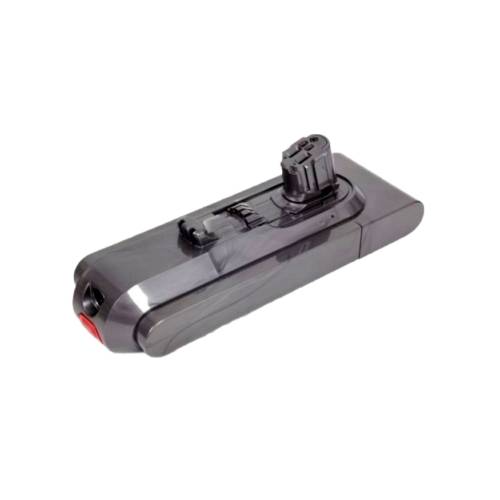
Why Replace the Accumulator?
If your Dyson is losing power quickly or won’t hold a charge, the accumulator (battery) may need replacement. Over time, batteries degrade — but with an original Dyson part, performance is restored to factory levels.
Tools You’ll Need:
- Small Phillips screwdriver
- Genuine Dyson Graphite Battery
- ✅ Buy now: Accumulator Graphite
Step-by-Step Instructions:
- Switch off and unplug your Dyson.
- Remove the dustbin and locate the battery screw underneath the handle.
- Unscrew and gently remove the old battery.
- Insert the new original Dyson Graphite battery.
- Reattach and charge fully before use.
Why Use Original Dyson Batteries?
- Proper battery management compatibility
- Longer lifespan and optimized power output
- Safe charging with no overheating
⚠️ Avoid third-party batteries — they may damage your vacuum or void the warranty.
📌 Final Tips:
- Always check your Dyson model before ordering parts.
- Keep a regular maintenance schedule: filters every 6–12 months, batteries every 2–3 years.
- Save this guide for future replacements!